
Unlock The Full Course -
Start Using AI With Confidence Today!
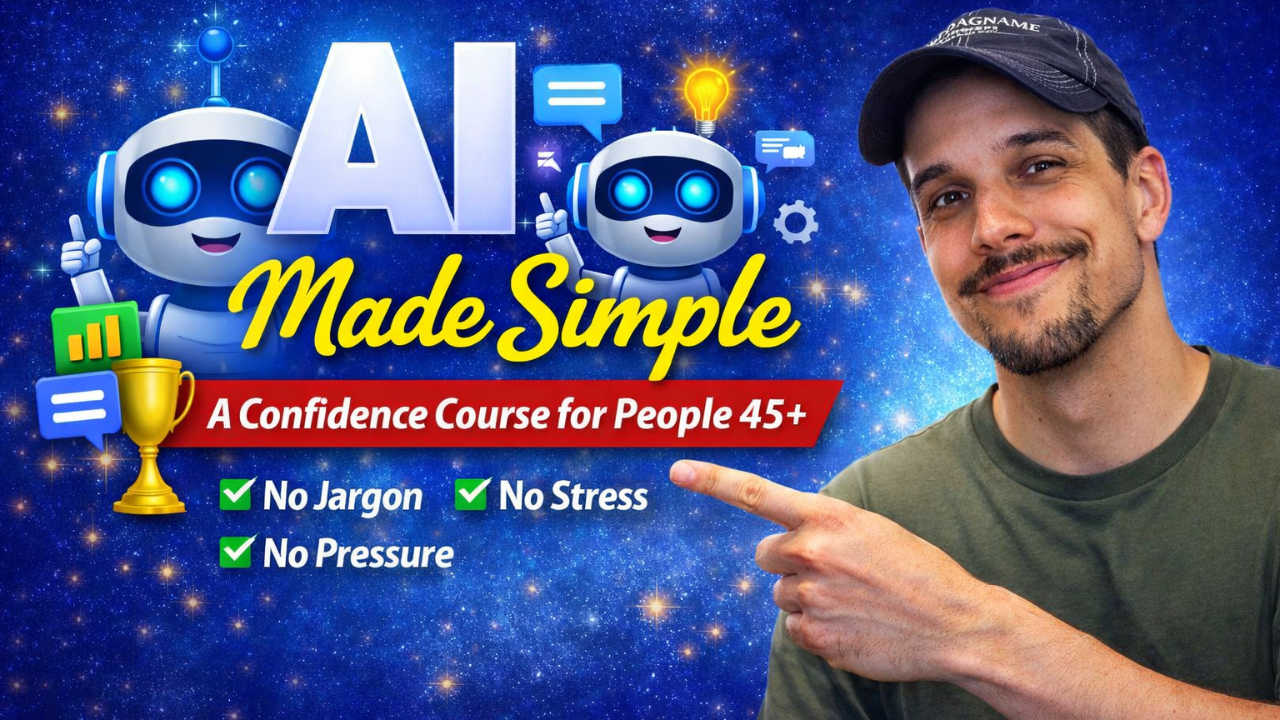
AI Made Simple — A Confidence Course for People 45+
-
Module #1: Welcome & Mindset Reset
1 lesson- Lesson #1 - Lesson #4 (FREE)
-
Module #2: Getting Set Up (Zero Intimidation)
1 lesson- Lesson #5 - Lesson #9 (FREE)
-
Module #3: The Basics: How to Ask AI for Anything
10 lessons- Lesson #10: What Is a Prompt? (Simple Definition)
- When you think about writing a prompt, which mindset feels closest to where you are right now?
- Lesson #11: The 3‑Part Prompt Formula (So AI Always Understands You)
- Lesson #12: How to Ask Follow‑Up Questions
- Lesson #13: How to Fix Bad Answers (The “Try Again” Method)
- Lesson #14: How to Give AI Examples (And Why It Helps)
- Lesson #15: How to Ask AI to Simplify Anything
- When AI gives you an answer that’s almost right, what’s your natural next move?
- Lesson #16: How to Ask AI to Explain Something Like You’re 5
- Lesson #17: How to Ask AI to Personalize Answers to You
-
Module #4: Everyday Life Skills With AI
12 lessons- Lesson #18: Using AI to Write Emails (Fast, Clear, Professional)
- Lesson #19: Using AI to Draft Text Messages
- Lesson #20: Using AI to Plan Your Day or Week
- Lesson #21: Using AI to Organize Your Thoughts
- Lesson #22: Using AI to Summarize Long Articles
- When you think about using AI to help with everyday tasks (emails, planning, summaries, etc.), which statement feels closest to you right now?
- Lesson #23: Using AI to Understand Medical Information (Safely & Clearly)
- Lesson #24: Using AI to Compare Products Before Buying
- Lesson #25: Using AI to Learn New Skills (Hobbies, Tech, Anything)
- When learning a new skill or hobby with AI, what kind of help do you think you will prefer?
- Lesson #26: Using AI to Help With Travel Planning
- Lesson #27: Using AI to Help With Recipes & Meal Planning
-
Module #5: AI for Work & Professional Tasks
10 lessons- Lesson #28: Using AI to Improve Your Writing
- Lesson #29: Using AI to Create Reports or Summaries
- Lesson #30: Using AI to Analyze Data (Even If You’re Not “Technical”)
- When you think about the first three lessons of this module, which type of AI support feels most valuable to you right now?
- Lesson #31: Using AI to Brainstorm Ideas
- Lesson #32: Using AI to Improve Presentations
- Lesson #33: Using AI to Draft Policies, Procedures, or Guides
- Lesson #34: Using AI to Prepare for Meetings
- Lesson #35: Using AI to Rewrite or Improve Documents
- If you could use AI to improve just one part of your professional routine, what would you choose first?
-
Module #6: AI for Personal Growth & Creativity
7 lessons- Lesson #36: Using AI for Journaling & Reflection
- Lesson #37: Using AI to Set Goals & Track Progress
- Lesson #38: Using AI to Explore New Hobbies
- Lesson #39: Using AI to Write Stories or Poems
- Lesson #40: Using AI to Create Images (Simple, Safe, Fun)
- Lesson #41: Using AI to Make Personalized Gifts or Cards
- Which way do you think AI could most inspire your personal creativity next?
-
Module #7: Staying Safe, Smart, and In Control
5 lessons- Lesson #42: How to Know What AI Can and Can’t See
- Lesson #43: What Information You Should Never Share
- Lesson #44: How to Fact‑Check AI
- Lesson #45: How to Avoid Scams & Fake AI Tools
- Which safety skill from this module do you think will help you feel the most confident using AI moving forward?
-
Module #8: Your Daily AI Routine
5 lessons- Lesson #46: The 5‑Minute Daily AI Routine
- Lesson #47: How to Use AI to Stay Organized
- Lesson #48: How to Use AI to Stay Informed Without Overload
- Lesson #49: How to Use AI to Make Better Decisions
- Which part of a daily AI routine do you think will make the biggest difference in your everyday life?
-
Module #9: Advanced (But Easy) Skills
6 lessons- Lesson #50: How to Give AI Your Writing Style
- Lesson #51: How to Create Reusable AI Template
- Lesson #52: How to Use AI to Extract Key Points From Anything
- Lesson #53: How to Use AI to Build a Personal Knowledge Base
- Lesson #54: How to Use AI to Automate Repetitive Tasks
- Which new AI skill from this module feels most like your personal superpower right now?
-
Module #10: Final Project & Graduation
3 lessons- Lesson #55: Your Final AI Project
- Lesson #56: Your AI Confidence Certificate
- Lesson #57: Congratulations — You’re Now AI‑Confident